Creating a relaxing home workspace is essential for maintaining productivity and focus, especially when working remotely or on personal projects. A space that feels calm and organized can reduce stress and help you stay motivated throughout your day. Here are some practical tips to design a workspace that supports your well-being and boosts your efficiency.
1. Choose the Right Location
Find a Quiet Spot
Select a place in your home that is quiet and has minimal distractions. If space is limited, even a cozy corner can work well when properly organized.
Consider Natural Light
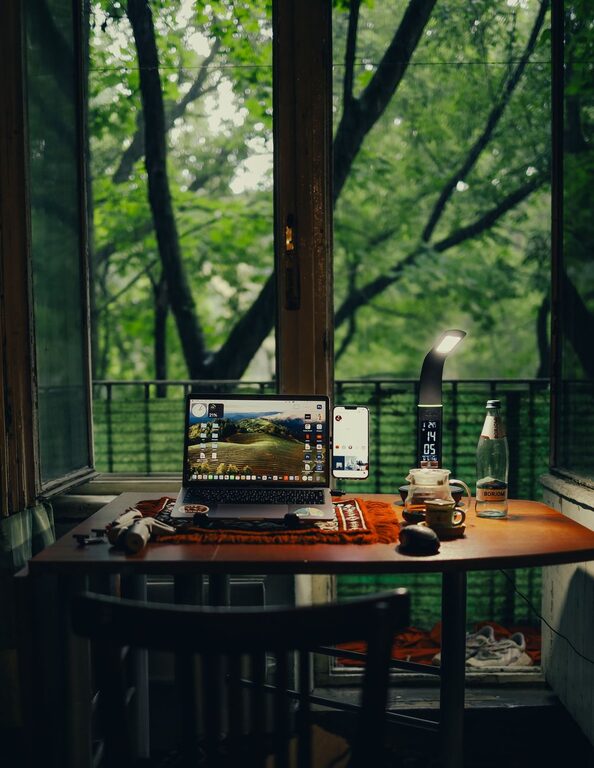
Placing your desk near a window can provide natural light, which has been shown to improve mood and energy levels. If natural light is limited, invest in soft, adjustable lighting for a comfortable atmosphere.
2. Invest in Comfortable Furniture
Ergonomic Chair and Desk
Your chair and desk should support good posture to avoid discomfort during long work hours. An adjustable chair with lumbar support and a desk at the right height can make a big difference.
Add Soft Elements
Incorporate cushions or a soft rug to add comfort and warmth to your workspace, making the area inviting and relaxing.
3. Keep It Organized
Declutter Regularly
A tidy space helps clear your mind. Keep only essential items on your desk, and store away paperwork or tools you don’t use daily.
Use Storage Solutions
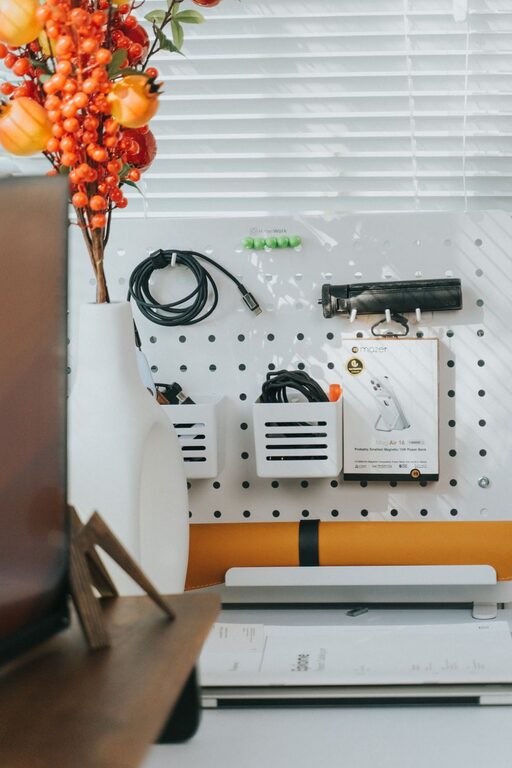
Use shelves, drawers, or desk organizers to keep supplies neatly arranged. Labeling containers can also make it easier to find things quickly.
4. Incorporate Calming Colors and Decor
Use Soothing Colors
Colors like soft blues, greens, or neutrals promote calm and focus. Choose paint, wallpaper, or accessories in these shades to create a peaceful environment.
Add Personal Touches
Include a few personal items or artwork that inspire you without overwhelming the space. Plants, pictures, or a small sculpture can make the workspace feel more welcoming.
5. Manage Noise and Distractions
Use Noise-Canceling Headphones
If you live in a noisy area, noise-canceling headphones or soothing background music can help block distractions.
Set Boundaries
Communicate your work hours to household members to minimize interruptions. Consider visual cues, like a closed door or a “do not disturb” sign.
6. Maintain Good Air Quality
Ventilate the Room
Open windows when possible to let fresh air circulate. Poor air quality can cause fatigue and reduce concentration.
Add Air-Purifying Plants
Certain indoor plants can improve air quality and add a touch of nature, which helps reduce stress and increase productivity.
7. Implement a Technology Setup That Works for You
Organize Cables and Devices
Keep cords untangled and use cable organizers to maintain a neat desk. A clutter-free space encourages focus.
Use the Right Tools
Invest in reliable technology like a good monitor, keyboard, or mouse to prevent discomfort and frustration.
8. Create a Routine and Take Breaks
Set a Schedule
Having regular work hours helps your mind know when it’s time to focus and when to relax.
Take Short Breaks
Step away from your desk every hour or so. Stretch, walk around, or do a quick meditation to refresh your mind.
—
By following these simple but effective tips, you can create a home workspace that feels relaxing and is designed to help you work better. A thoughtful environment supports your productivity and overall well-being, turning your work-from-home experience into a more enjoyable and successful one.